An algorithmic composer, inspired by M.
You do not write notes in idM. You set up processes — patterns, cyclic variables, note-order mixes, density and transposition tables — and then you play those, live, while they generate.
It is an instrument for composing by steering rather than by typing. It generates MIDI, and it runs in your browser, as a standalone app, and as an AU, VST3 or CLAP plugin.
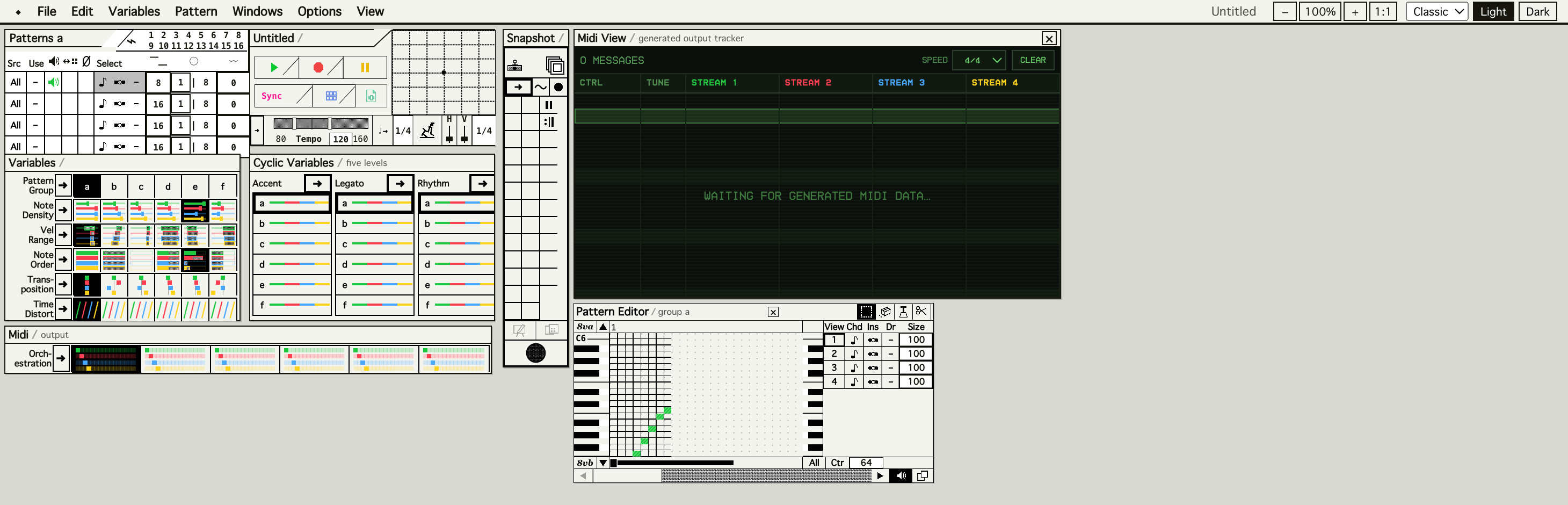
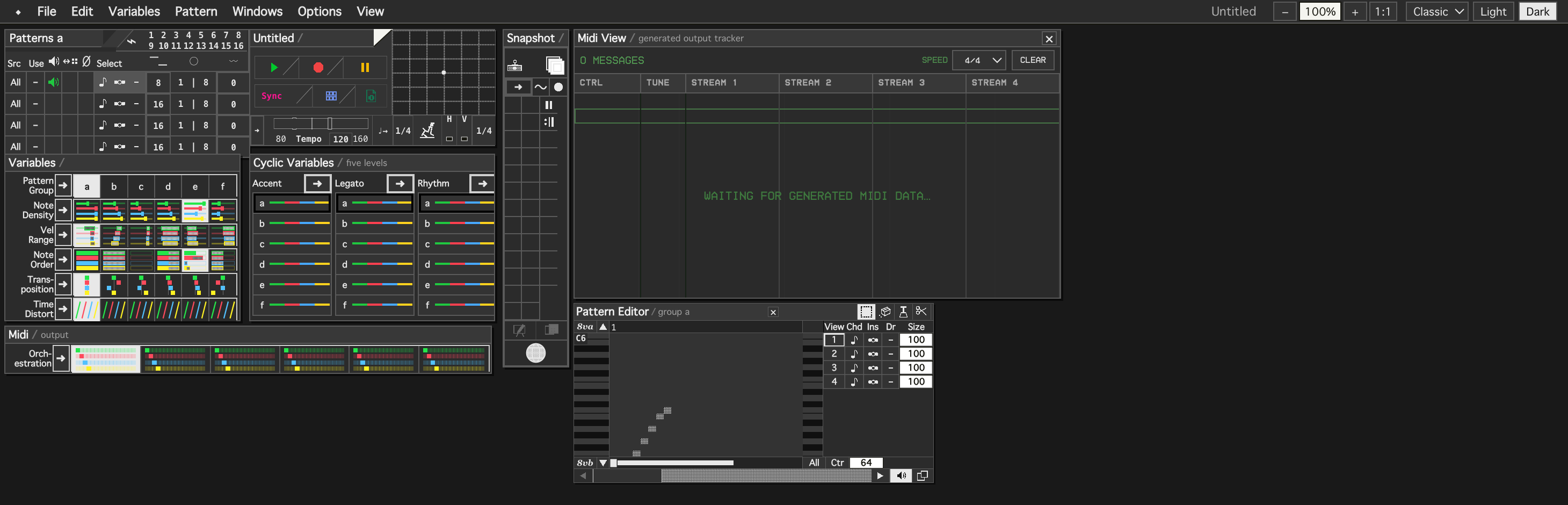
Light and dark. Every Voice keeps its colour across every window.
What it does
- Voices and Patterns. A project opens with four Voices; the engine carries between one and sixteen. Twenty-four Patterns, six Pattern Groups of four.
- Variable Positions (a–f) — six snapshot-able positions for Note Order, Transposition, Note Density, Velocity Range, Time Distortion and Orchestration.
- M-style Note Order mixing. Each Voice blends Original Order, a stored repeating scramble, and continually changing random playback, on one bar with two draggable boundaries.
- Cyclic Variables — five-level Accent, Legato and Rhythm. Legato is M's Phrasing system, and may exceed 100% for overlapping articulation.
- Conducting — a six-by-six Baton grid, conducted tempo range, sync ratio, a bounded Robot Conductor, and per-Voice continuous conducting.
- Snapshots and Slideshows — 26 partial locations, nine timed Slideshows, Snapshot-quantised playback.
- Host sync. The plugin follows your DAW's transport — start, stop, loop, locate, tempo change — with nothing left sounding across any of them.
Download
| macOS | universal, 11+ | idM-macOS-universal.zip AU, AU MIDI FX, VST3, CLAP, Standalone |
|---|---|---|
| Windows | x64 | idM-Windows-x64.zip VST3, CLAP, Standalone |
| Linux | x86_64 | idM-Linux-x86_64.tar.gz VST3, CLAP, Standalone |
Each archive carries an INSTALL.txt with the paths for that
platform, and
SHA256SUMS.txt
covers all three.
macOS needs one extra step
The builds are not signed or notarised yet, so macOS quarantines them and the plugin will not load until that flag is cleared. In Terminal, in the folder you unzipped:
xattr -dr com.apple.quarantine .
Getting MIDI out of it
This is the part that trips people. Both plugin formats hand MIDI to the host through a gate the host controls and never reports — so an engine running perfectly and a host ignoring it look identical.
In Ableton Live, put idM on one MIDI track, add a second MIDI track with an instrument on it, set that track's MIDI From to the idM track, set the chooser below it to idM, and set Monitor to In. That routing is what makes Live activate the bus.
idM also publishes its own virtual MIDI ports on macOS and Linux —
idM to listen to it, to idM to play into it —
so you can always reach it from outside the host. And the interface carries
a notes-sent counter: if it is climbing and your DAW is silent, the fault is
the routing, not the music.
Where this actually stands
What is measured: the engine exists twice, once in TypeScript and
once in C++, and the two agree to all 13,225 conformance values under
clang, MSVC and GCC — and on both slices of the macOS universal
binary. Windows and Linux build on CI and pass the engine, session and
host-transport suites. auval passes both Audio Units.
What CI cannot tell you is whether a real DAW routes the MIDI, which is precisely the thing that has gone wrong before. That needs people.
If you try it, please say what happened — which host, which OS, which format, and whether MIDI reached anything, including when it did not. Open an issue →